

AI Image Generator
Create images from text or reference photos with top AI models.
Replace photo backgrounds with clean scenes, solid colors, or branded settings.
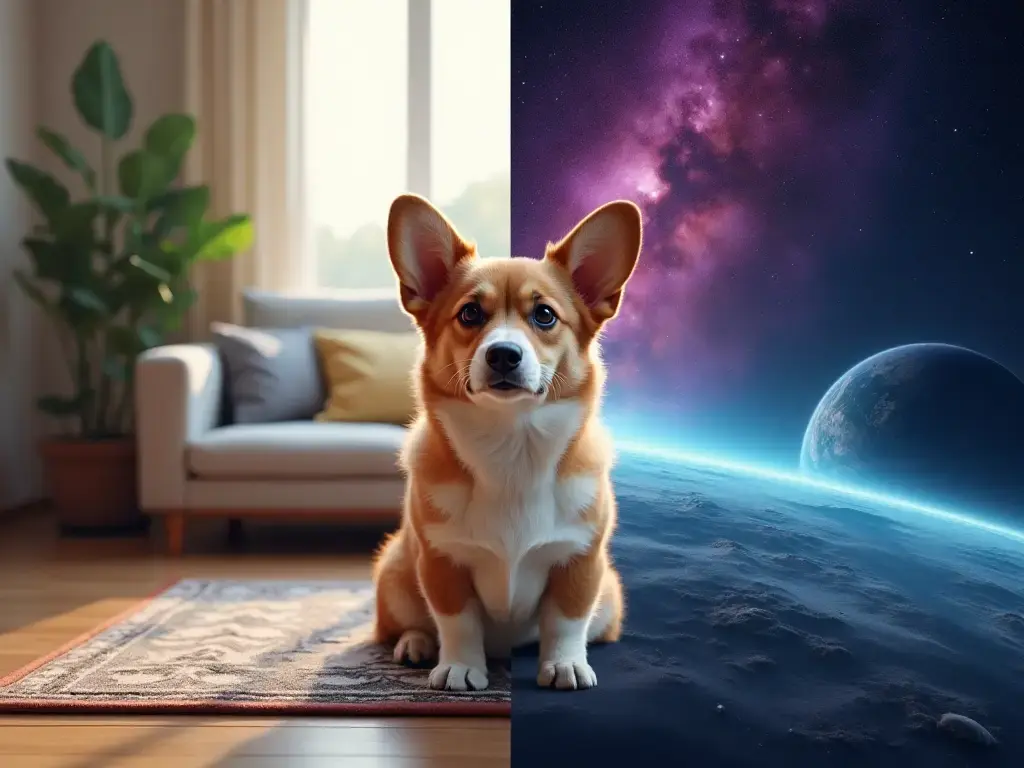
AI Background Changer is most useful when the subject is good but the surrounding scene no longer matches the channel, campaign, or brand style.
Swap a distracting or low-value background for a studio, office, outdoor, or branded environment that fits the final asset better.
Use the same product shot or portrait to test several campaign looks without scheduling a new shoot for each variation.
Reuse approved images by updating the background for seasonal promos, localized ads, or new channel requirements.
The biggest value of AI Background Changer is speed. It helps teams reuse strong source images instead of reshooting every time the scene needs to change.
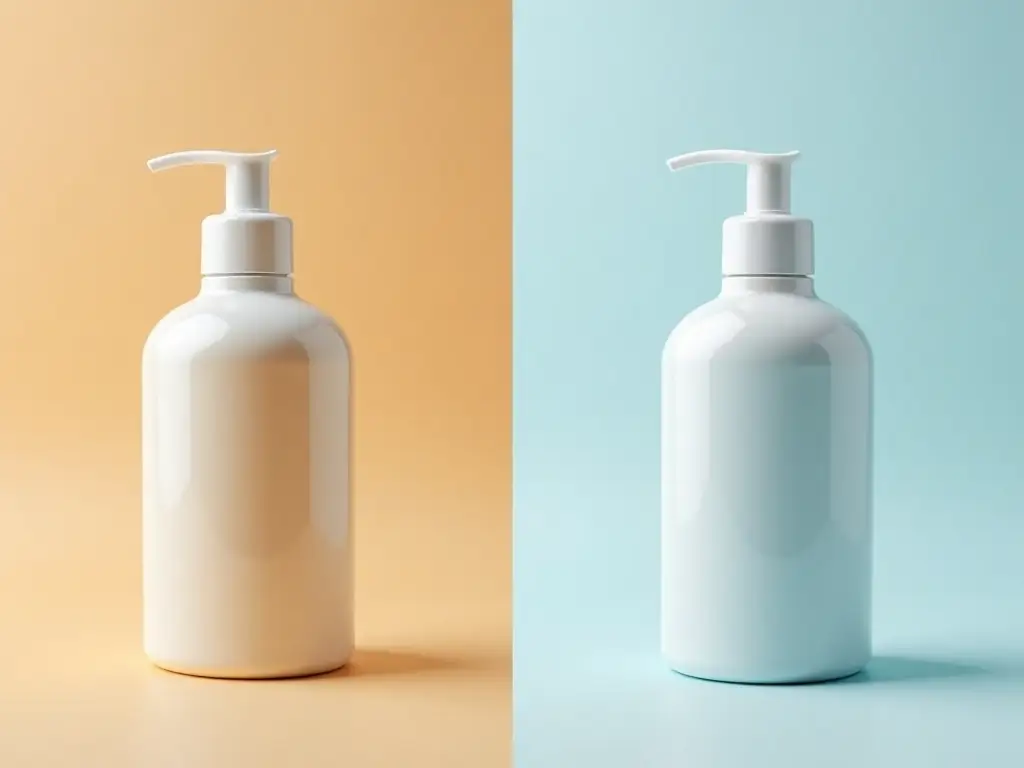
Upload the photo, describe the new scene, and export the version with the strongest background replacement
Start from an image where the main product or person is easy to identify and already framed the way you want.
Describe the new environment, style, or mood, or upload a background image to use as the new scene. Leave both empty and AI will choose a backdrop that fits.
Compare versions, keep the scene that fits the image best, and export it or move it into finishing tools if you need more polish.
Built for replacing scenes, preserving the subject, and creating cleaner environment options from one approved photo.
Change the setting around a subject when the original environment is distracting, off-brand, or no longer useful for the final asset.
Describe the new environment you want so the result feels closer to the channel, campaign, or visual style you need.
Start from a real source photo so the main person or product can stay closer to the original while the background changes around it.
Generate a few realistic scene directions quickly so teams can compare which setting works best before final approval.
Once the new background is approved, the image can move into finishing tools for sharper detail or higher-resolution delivery.
The tool fits common business use cases such as product photography, team photos, ad creatives, and content refreshes.
Practical questions about changing photo backgrounds, preserving subjects, and getting better replacement results
Start with a product photo or portrait, replace the old scene, and keep the background version that best fits your campaign or channel.


