

AI Image Generator
Create images from text or reference photos with top AI models.
Remove image backgrounds in seconds and get clean, transparent cutouts.
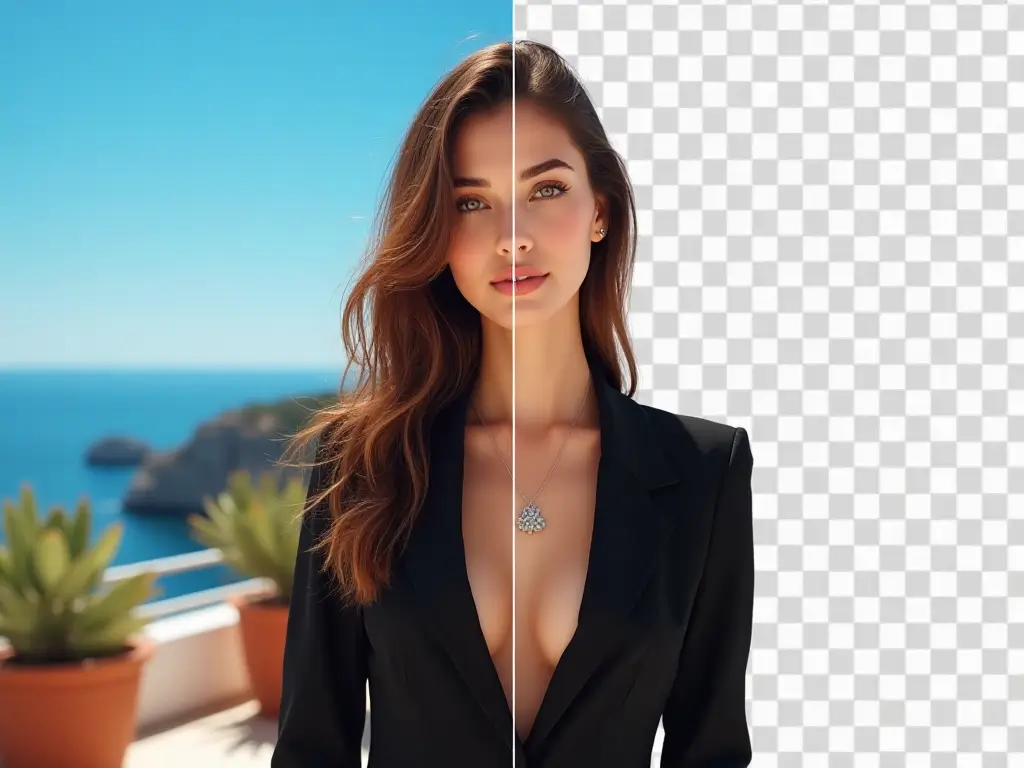
AI Background Remover helps when the subject is right but the background is getting in the way of a clean final asset.
Remove distracting scenes so product images look cleaner on marketplaces, storefronts, paid ads, and sales materials.
Create subject-focused cutouts from headshots or team photos when you need cleaner visuals for websites, decks, or campaigns.
Extract a subject from the original image so it can be reused in banners, mockups, social posts, or other layouts without manual masking.
The strongest use case for AI Background Remover is speed. It gives teams a faster way to create cleaner cutouts without doing the first pass by hand.
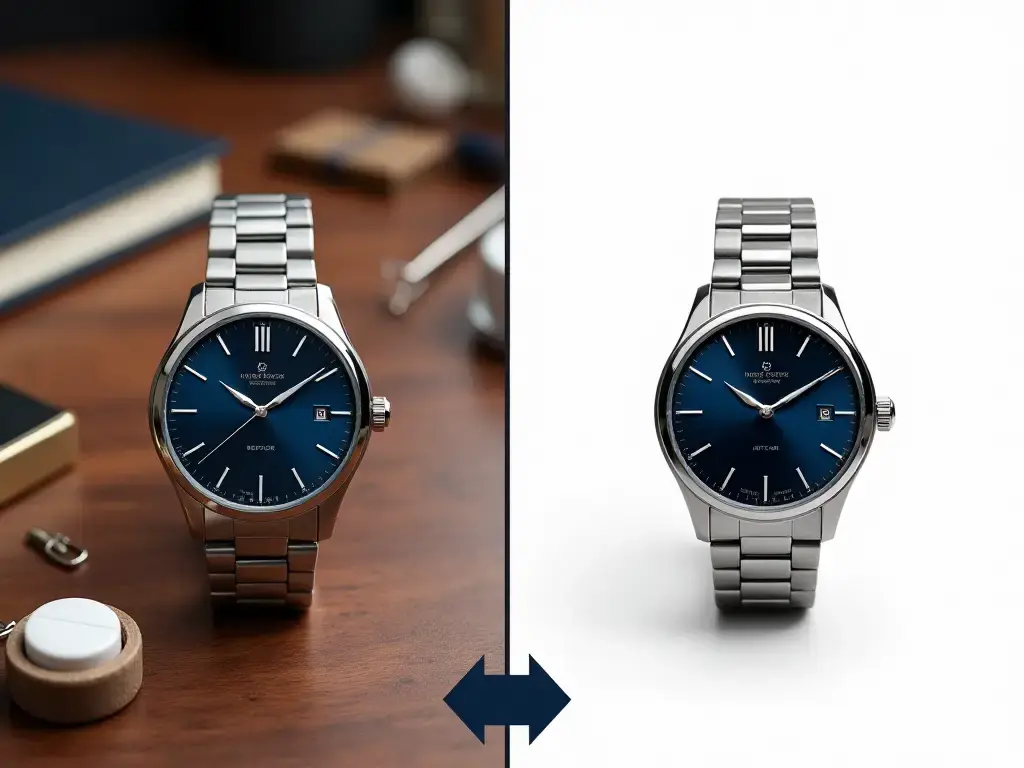
Upload a clear image, remove the background, and keep only the cutout that is ready for reuse
Choose a photo with a visible subject and enough contrast from the background to support a cleaner first cutout.
Run the tool, then check the result around fine outlines and detailed areas to confirm the cutout holds up for the target use.
Download the subject-only result when it is ready, or move it into other tools if you want a new background, sharper detail, or a larger file.
Built for subject isolation, cleaner edges, and faster cutout workflows when an image needs a simpler background.
Focus the workflow on keeping the main subject while stripping away the distracting background behind it.
Start from a clear image and review the result so hair, outlines, and detailed edges hold up better in the final cutout.
Create isolated subjects that are easier to place into listings, layouts, ads, or branded templates after export.
A quick first pass helps teams judge whether the cutout is good enough before spending more time on polishing.
Removed-background assets can continue into background replacement, enhancement, or upscaling without rebuilding the workflow.
The workflow fits everyday use cases such as product listings, team photos, design assets, and campaign support work.
Practical questions about cutouts, source images, and the best way to remove image backgrounds with AI
Start with a clean product photo or portrait, remove the background, and keep the cutout that is ready for listings or design work.


