

AI Image Generator
Create images from text or reference photos with top AI models.
Upscale low-resolution images to higher resolution while keeping details crisp.
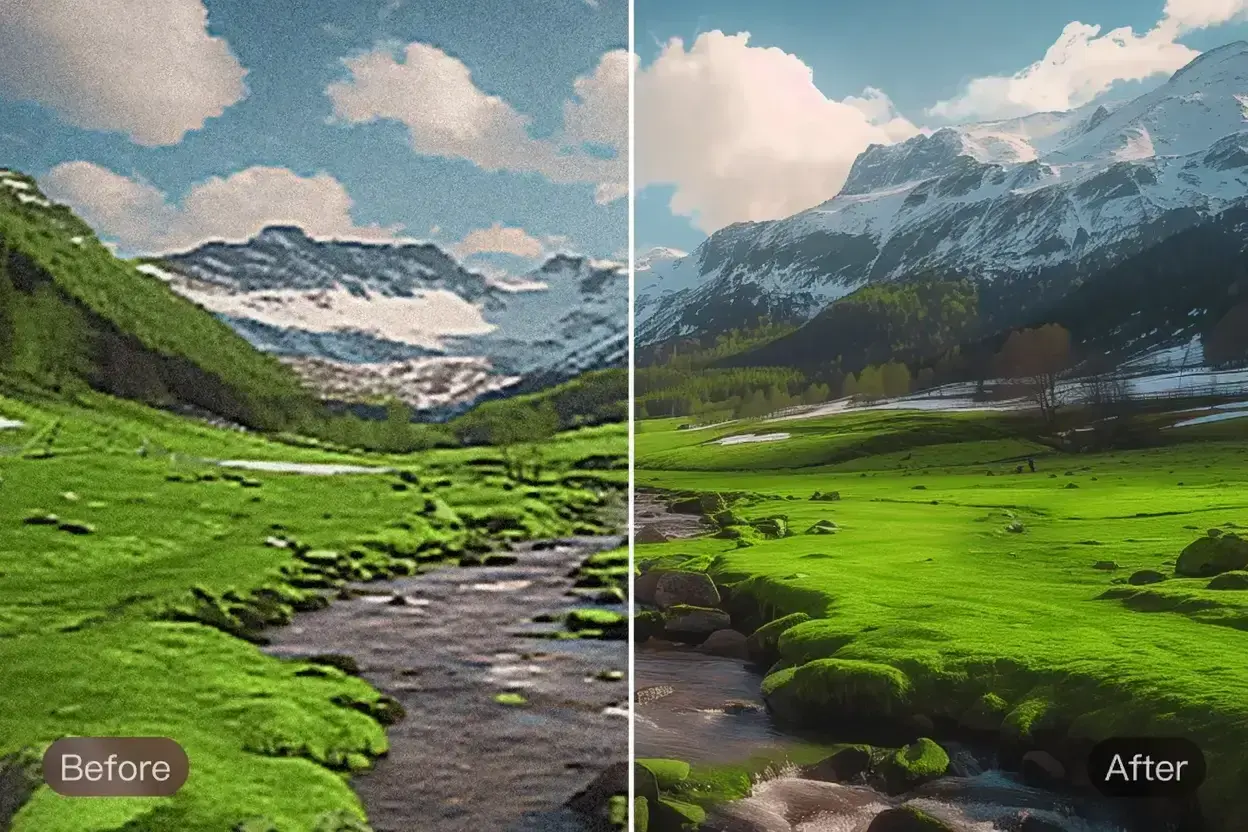
AI Image Upscaler helps when the image looks right but the file is too small for the screen, print size, or channel where it needs to appear.
Increase the usable size of approved visuals when they need to hold up better in decks, posters, signage, or print-adjacent formats.
Create larger ecommerce-ready assets from smaller source files when sharper detail matters for listings, zoom views, and storefront use.
Upscale an existing ad, social image, or design asset when you need a bigger version instead of recreating the original image.
The biggest advantage of AI Image Upscaler is that it helps teams reuse approved visuals in bigger formats without going back to redesign the whole asset.
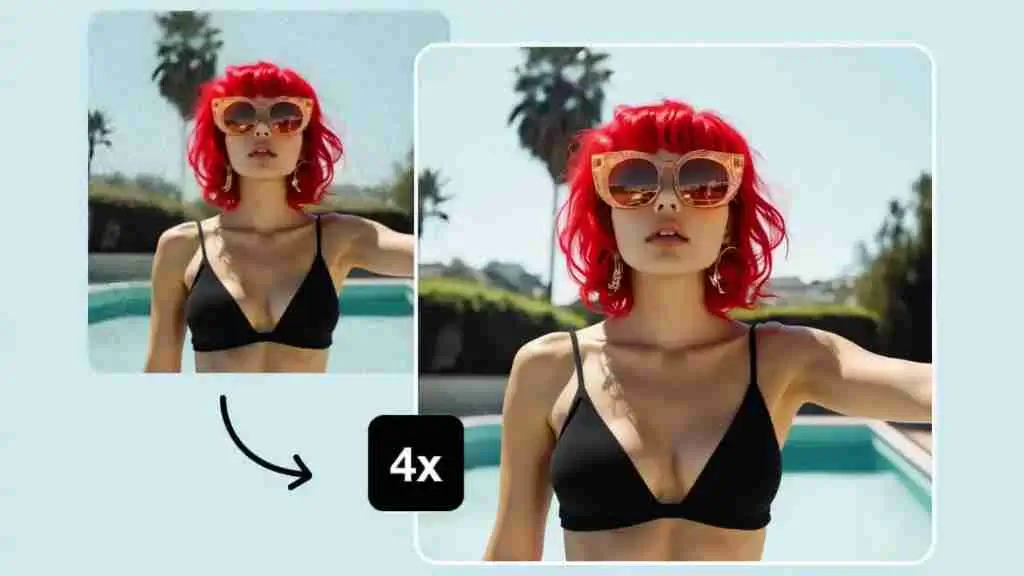
Upload the source image, create the larger version, and export the file that holds up at the final size
Start with the cleanest approved file you have so the upscaler can build on a usable image instead of a heavily degraded one.
Let the tool increase the size, then compare the result at the target use case rather than judging only from a thumbnail view.
Keep the larger version when it is strong enough for print, store, presentation, or campaign delivery, or continue with more finishing if needed.
Built for larger exports, cleaner edge handling, and higher-resolution delivery once the creative direction is already approved.
Create a larger file when the original image is too small for the target use but still worth keeping as the approved source.
Upscaling aims to preserve more usable detail and reduce the softness that ordinary image stretching usually creates.
Use larger outputs for print, decks, product pages, display graphics, and other channels where a small file would feel weak.
Compare the larger file against the original so teams can confirm the image still looks strong enough at the final output size.
Enhancement and upscaling often work together when a file needs both cleaner quality and a larger export size.
The workflow fits practical needs such as listings, presentations, print materials, campaigns, and client-ready exports.
Practical questions about increasing resolution, preparing files for delivery, and choosing the right source image
Start with an approved image, create a larger version, and keep the file that is ready for print, decks, stores, or larger screens.


