

AI Image Generator
Create images from text or reference photos with top AI models.
Fix blurry, dull, or noisy photos and restore sharp, clear detail with AI.
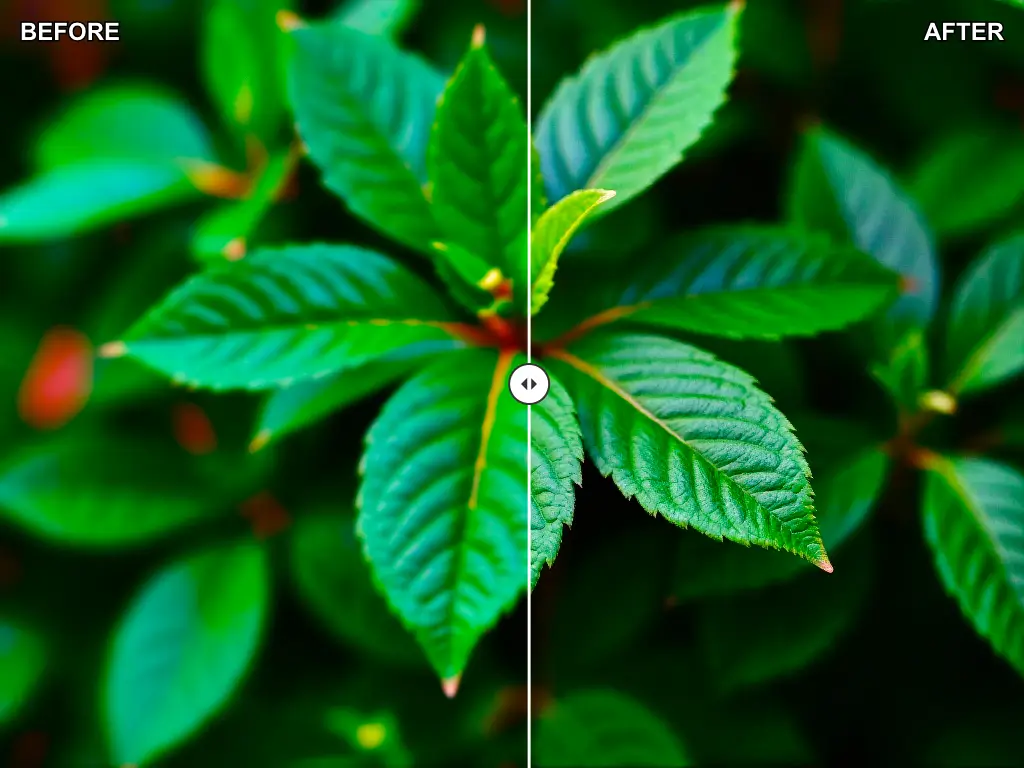
AI Image Enhancer helps when the image content is right but the quality still feels too soft, noisy, or under-polished for delivery.
Improve clarity on product images before they go live on listings, marketplaces, email campaigns, or paid ads.
Make approved images look clearer and more professional when they need to stand up better on content channels or in slides.
Use enhancement after generation or editing when the composition is approved but the file still needs a cleaner final look.
The biggest benefit of AI Image Enhancer is that it gives teams a cleaner final-looking file without turning every image fix into a full retouching project.
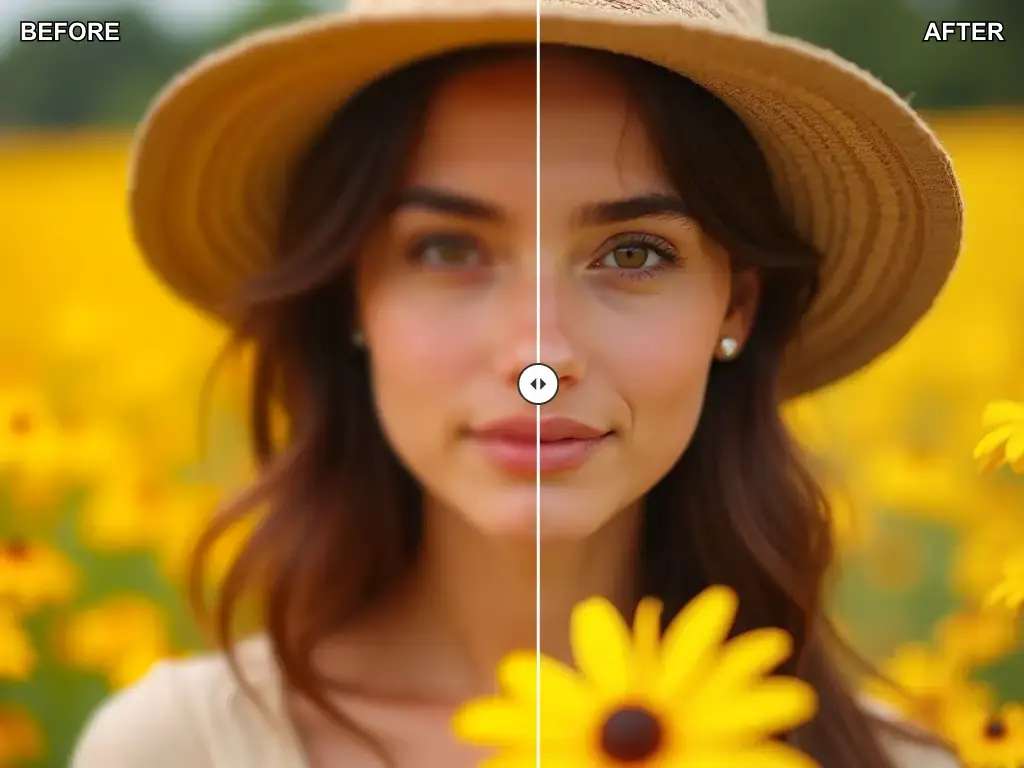
Upload the image, improve the quality, and export the version that looks clean enough to publish
Start with the best file you have so the enhancer can improve real image detail instead of fighting heavy compression or extreme blur.
Let the tool sharpen and clean the image, then compare it against the original to see whether the quality gain is meaningful for the target use.
Keep the cleaner version for web or content use, or move it into AI Image Upscaler if the approved file also needs a larger resolution.
Built for sharpening images, reducing visible weakness, and helping approved visuals look more delivery-ready.
Use enhancement to recover a cleaner look when an image feels soft or less defined than it should for the target channel.
Improve images that look compressed, dull, or visually rough so the final asset feels more professional.
Enhancement is most useful after the composition is already approved and the remaining issue is image quality rather than content.
Compare the improved file against the original so teams can quickly judge whether the added clarity is strong enough to keep.
Once the quality pass works, it is easier to move into upscaling when the final file also needs a larger export size.
The workflow fits real delivery needs such as ecommerce assets, marketing creatives, social posts, and presentation visuals.
Practical questions about sharpening photos, reducing noise, and improving image quality with AI
Start with a soft or noisy image, improve the quality, and keep the sharper version that is ready for publishing or presentation.


