AI Image Tools
Generate images from text, restyle or edit your photos, remove and replace backgrounds, then enhance and upscale the final shot. Pick the AI image tool that fits the job and get results in seconds, right in your browser.
What You Can Do With AI Image Tools
The toolkit is organized around practical image jobs so you can move from first idea to polished output without switching between disconnected workflows.
Generate new visuals from text
Use prompt-based image generation when you need concept art, social graphics, product scenes, or creative drafts from a written brief.
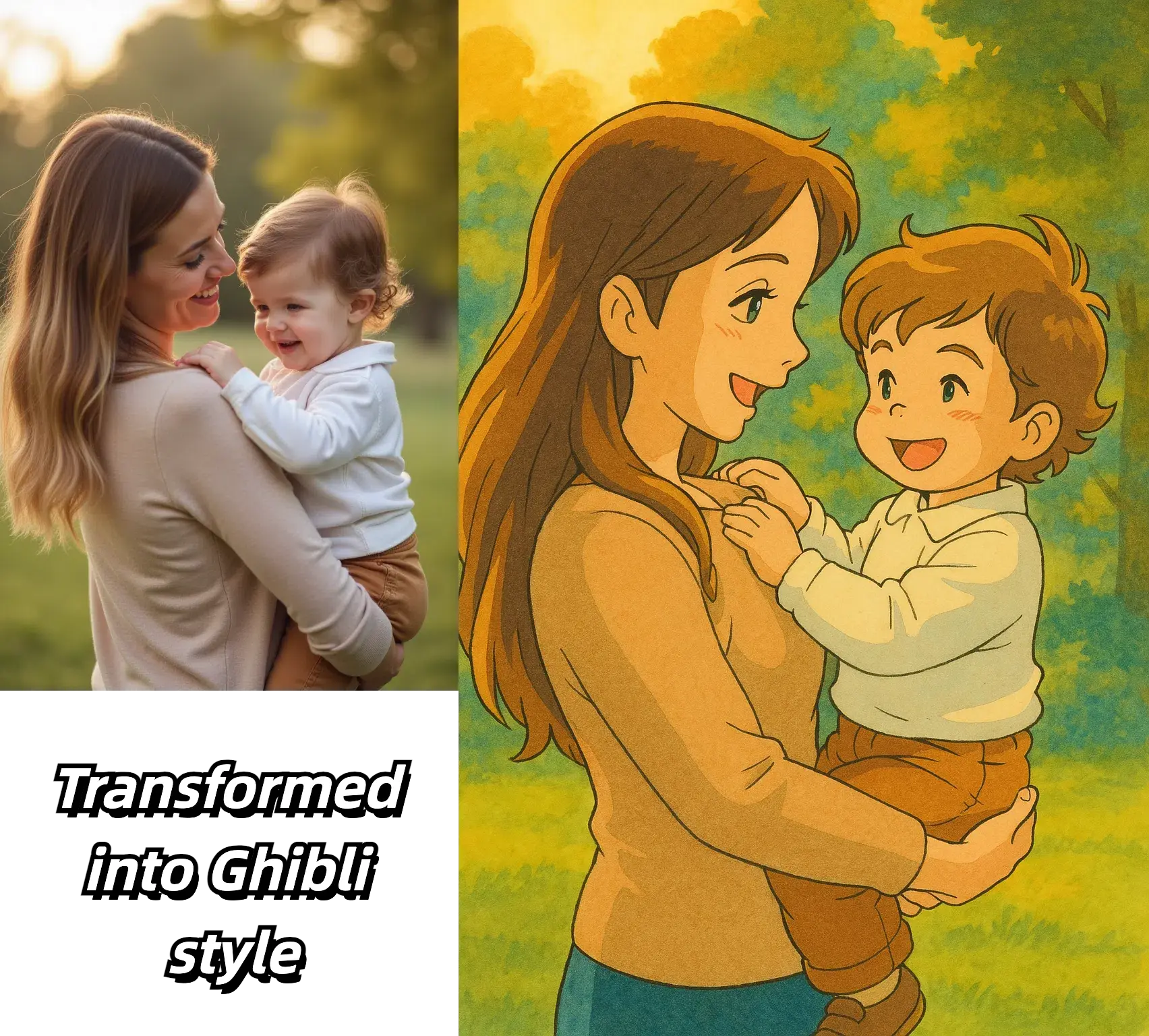
Edit and transform existing photos
Start from a real image when the composition already works and you only need a style shift, a targeted edit, or a better background.
Prepare assets for final delivery
Enhance quality, upscale approved files, and clean up details before images go live on ads, landing pages, catalogs, or presentations.
Why Teams Use an AI Image Tool Hub
The value of an AI image toolkit is not just having more tools. It is having the right tool ready when the task changes from idea generation to editing or delivery.
Core Workflows in This AI Image Toolkit
These AI image tools cover the main steps teams use when creating, revising, and finishing visual assets.
Text to image generation
Turn written prompts into campaign drafts, concept art, product scenes, and visual ideas when you are starting from a blank page.
Source-guided image transformation
Upload a photo to restyle it, preserve the original composition, or test new looks without rebuilding the scene from scratch.
Prompt-based photo editing
Make targeted changes to approved images when you need cleaner revisions, object removal, or more controlled changes to a scene.
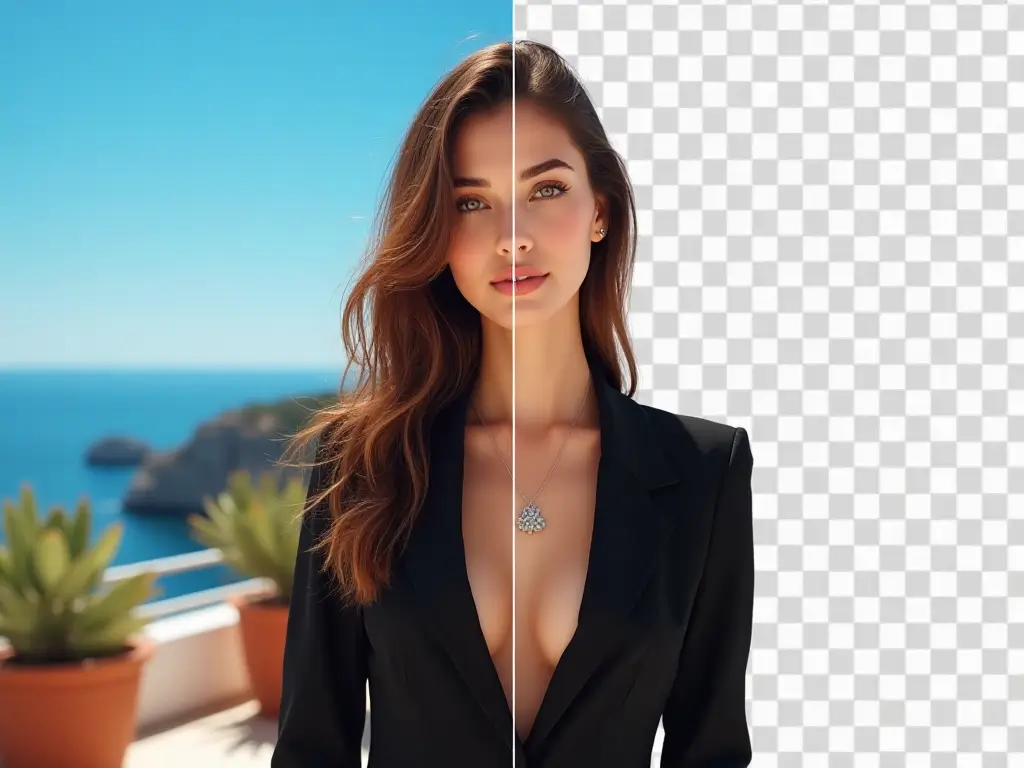
Background cleanup and replacement
Remove distracting backgrounds or swap them for cleaner studio, lifestyle, or branded scenes depending on the asset goal.
Enhancement and upscaling
Sharpen, clarify, and enlarge files after approval so they are more usable for stores, ads, decks, or larger screens.
Repeatable team workflows
A shared toolset makes it easier for marketers, founders, designers, and operators to use the same path from request to delivery.
Frequently Asked Questions About AI Image Tools
Practical guidance for choosing the right AI image tool, improving outputs, and moving from draft to delivery
Choose the AI Image Tool That Fits the Job
Start with the workflow you actually need, then move into editing, enhancement, or upscaling only after the visual direction is approved.