
AI Image Generator
Create images from text or reference photos with top AI models.
Transform a photo with a reference image while keeping its original composition.
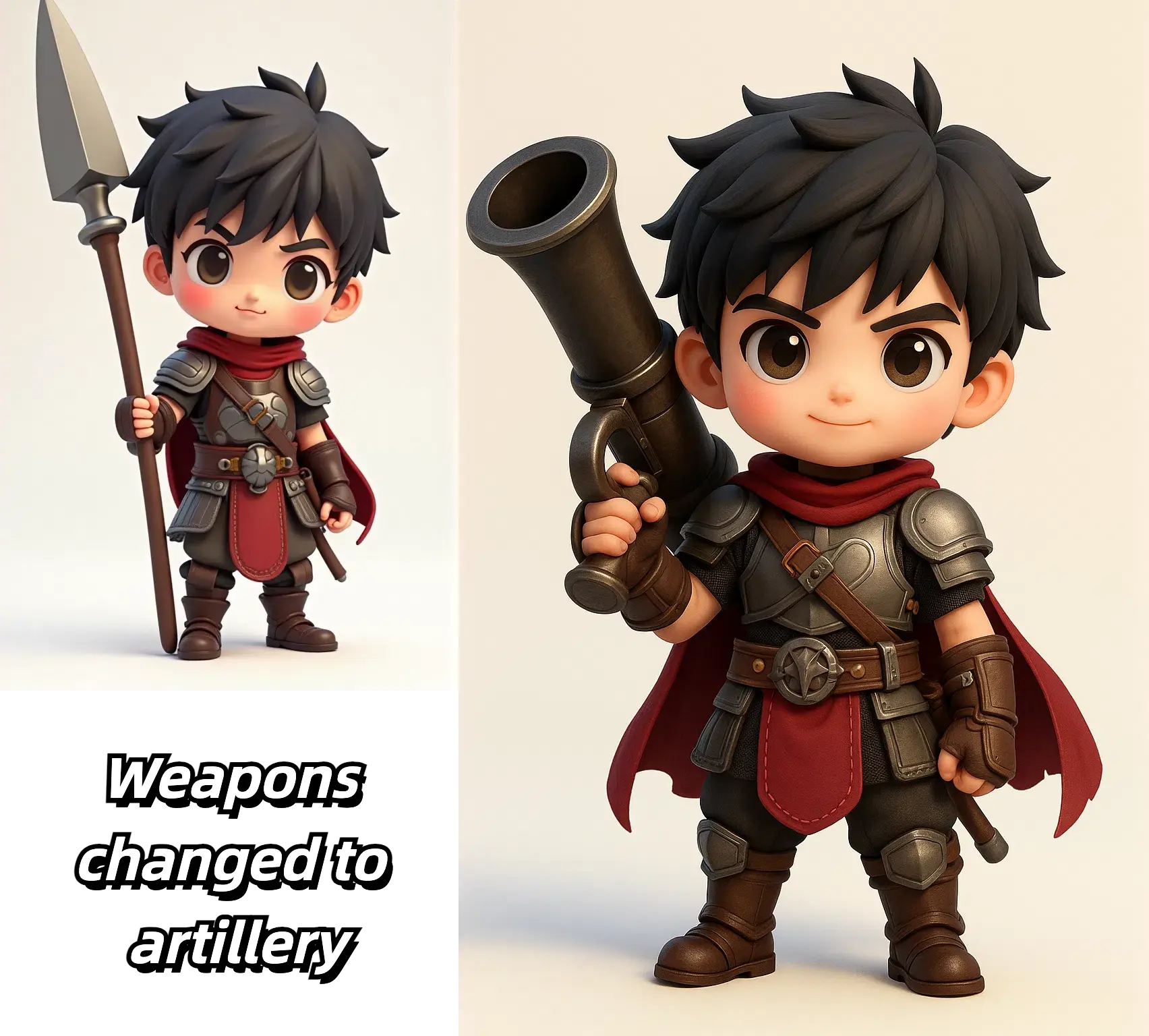
Use image-to-image when you already have a source image and want to explore new directions without rebuilding the whole scene from scratch.
Restyle a photo into a different aesthetic while keeping the key composition, pose, or layout. This is useful for campaign variants, illustration treatments, and art-direction tests.
Start from an actual product shot, portrait, or concept draft when you need the AI to respect the original frame more closely than a text-only workflow would.
Generate several visual directions from the same image so stakeholders can compare options without losing the original reference point.
The value of image-to-image is not only style transfer. It is the ability to iterate with more visual control because the source image already anchors the composition.
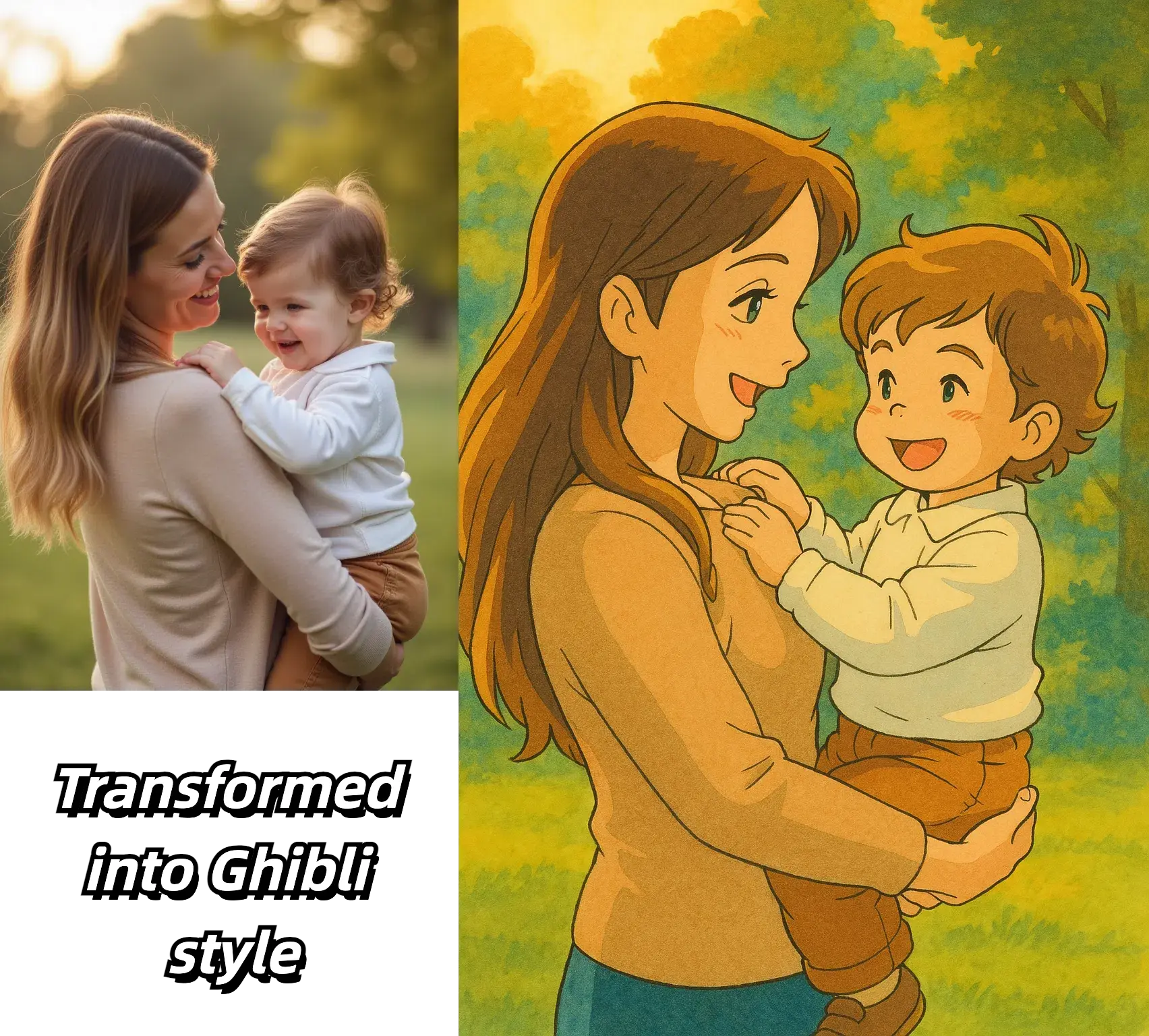
Start from a source image and a reference image, direct the change, and refine only what needs work
Both images are required. The source image provides the subject, structure, pose, or framing to keep; the reference image provides the style, colors, materials, or details to borrow.
Pick a model, aspect ratio, and resolution, then describe how the reference should change the source: style, atmosphere, materials, color direction, or target mood. A narrower instruction usually preserves the source image more reliably.
Review the result against the original image, then adjust the prompt or run another variation if needed before you download or continue editing.
Built for source-guided control, visual experimentation, and follow-up editing when the first pass is close but not final.
Use an uploaded image as the structural base so the output stays closer to your original composition than a text-only workflow.
Describe the style, atmosphere, or edits you want and let the system reinterpret the original photo with clearer visual intent.
Create several directions from one source image so teams can review alternatives without losing the original frame of reference.
Move quickly between source image, prompt revision, and new output when you need to compare multiple approaches during production.
Once the overall look is approved, continue with cleanup, enhancement, or more targeted edits instead of forcing every change into one generation pass.
Keep a clear source-to-result workflow that makes it easier to review and prepare transformed images for delivery or publication.
Practical guidance for source images, prompt control, and output expectations
Start with a clear source photo, a reference image, and a specific instruction for the style, mood, or change you want to test.


